


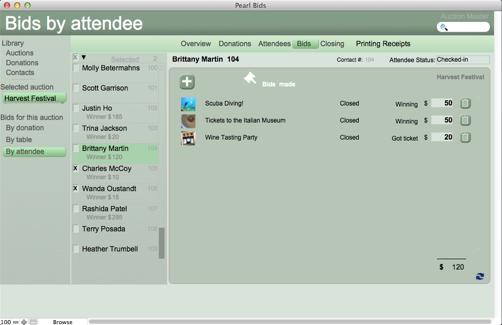


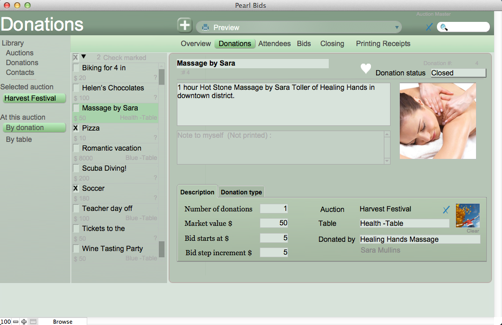





The status field can help you get organized; three statuses are used by Pearl Bids: Open, Closed and Delete.
Auction: When an auction status is Open the auction can accept bids. When the auction is Closed, it does not. When an auction status is Delete the auction will be removed (as are all other auctions with status Delete) when you click the trash can and all the donation statuses of donations in that auction will be set to Delete.
Donations: When a donation status is Open, the donation accepts bids.When the donation is Closed, it does not accept bids. A donation needs to be closed to be shown on a printed or emailed receipt. When a donation status is set to Delete the donation is removed (with all other donations with status Delete) when you click the trashcan.
Note that you easily open/close a number of donations (All , by Table, Marked) when you select Closing .
Contact: A contact in 'Libary contacts' can have a status of Current, Old or Delete. A contact is removed from Pearl Bids (as are all other donations with status Delete) when you click the trashcan. The other statuses are for your reference.
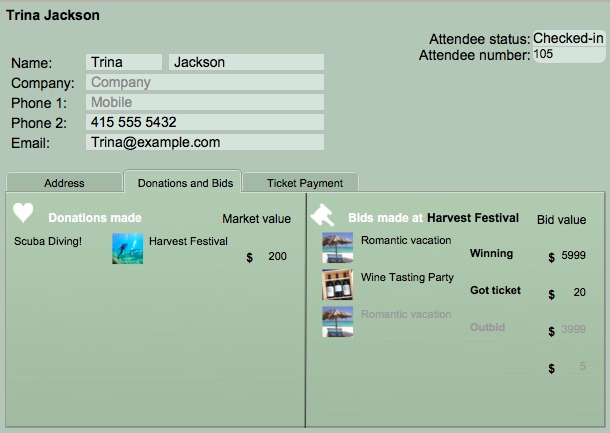
Attendee: A attendee is a contact attending your auction. When you select the status Remove from auction, the attendee is moved to the bottom of the list of the auction.