


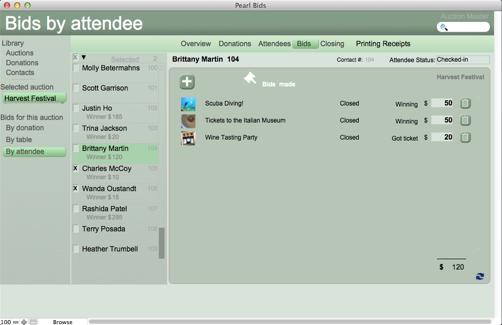


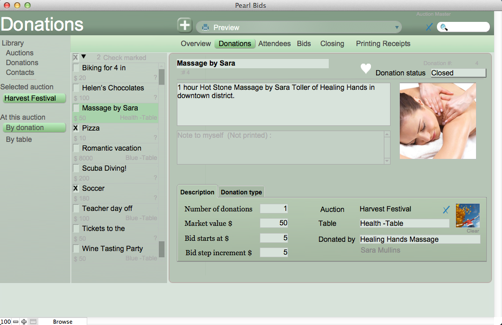





Select your Auction. Select 'Donations' on the right at the top. Click the plus sign.
Name your donation, fill in a description, the number of donation (usally 1), the 'Market value', the 'Bid starts at' value. If you leave your cursor over the 'Bid step increment', Pearl Bids will suggest a value for 'Bid step increment.' Your goal should be to reach the market value within a few steps. Finally associate the donation with the donor.
Alternatively you can create a Donation by selecting 'Library Donations' and click the plus sign. You will have to associate this donation with an auction as well.