









It is easy to import your silent auction data from another program into Pearl Bids.
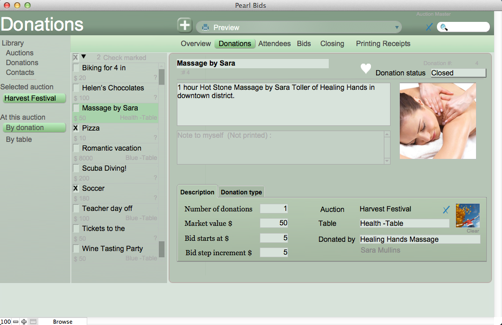
From the left hand sidebar under Library, select Donations or Contacts, depending on what you would like to import. From the top of your screen, then select File, Import. You can then select what type of file you wish to import.
Follow the screens to import and select the desired data. If you run into an snafus, let us know (This email address is being protected from spambots. You need JavaScript enabled to view it.) we are here to help!