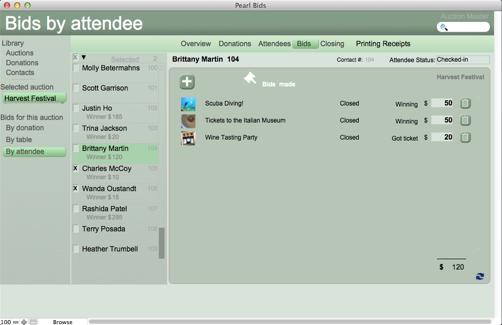
A. Select your auction on the left hand column and then go to the attendees page.
B. Above the top menu bar, you will see a small printer with a pull down available. You have an option of a couple of different labels/nametags to print. Select the attendees that you want included by checking the box next to their name.

Pearl Bids silent auction manager is the perfect tool to easily set up, keep track, and run your silent auction.
Scroll through the feature slides or watch some of the how-to videos to see for yourself why our customers continue to use Pearl Bids year after year for all of their silent auction events.
*The original downloadable Pearl Bids is available as an alternative for those who do not have wifi access at their event.