









There are two ways to purchase a bidding license that will allow you to enter the dollar amounts bid for each item, generate invoices, and produce reports on the profit of your auction.
You can either go directly to the Donation window, attempt to create a bid, and you will be asked if you woudl like to purchase a bidding license. Or, stay one step ahead of the process and go straight to Pearl Bids>Pearl Bids Settings> on the top menu bar.
1.

2. Go to the License tab and enter the the email under which the original product was ordered. Then click Get a bid license.

3. You will be prompted to enter payment info...
If you have a coupon code, enter it now and click outside the coupon box to have the discount activated.
4. You will then see a window like this:

5. Go back to your auction and select the
6. Go to the License tab and click on the refresh tab.
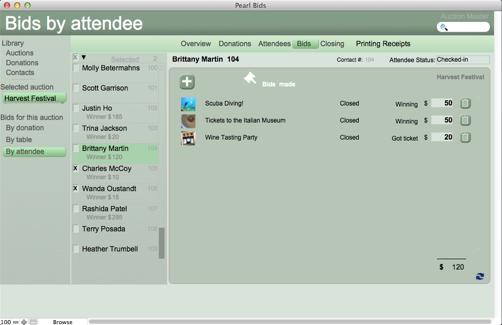
7. You can then go to the bid page and click the + to enter bids.

If you run into an snafus, let us know (This email address is being protected from spambots. You need JavaScript enabled to view it.) we are here to help!